A powerful and personal trading journal to track your trades, analyze your performance, and refine your strategies.
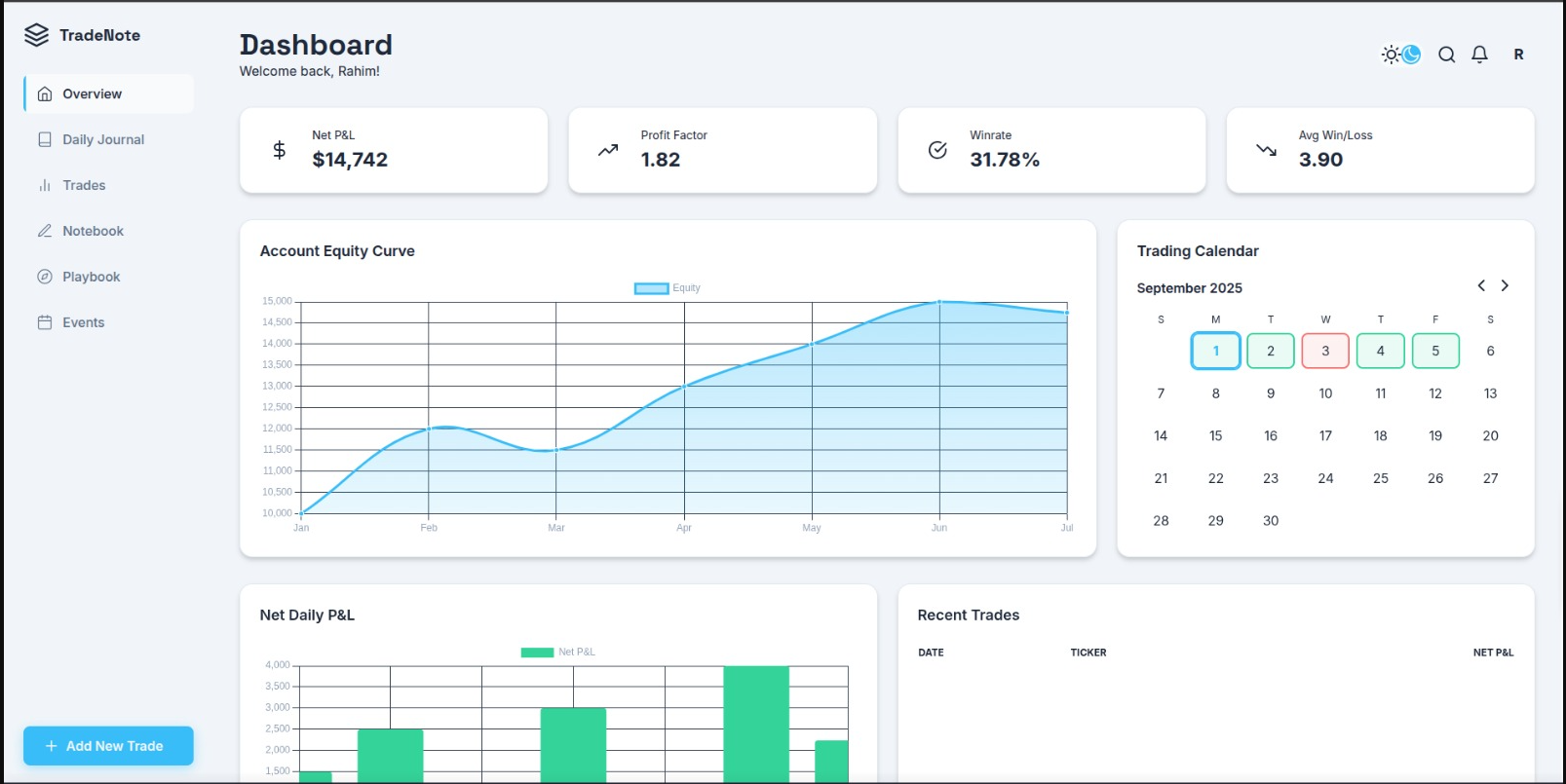
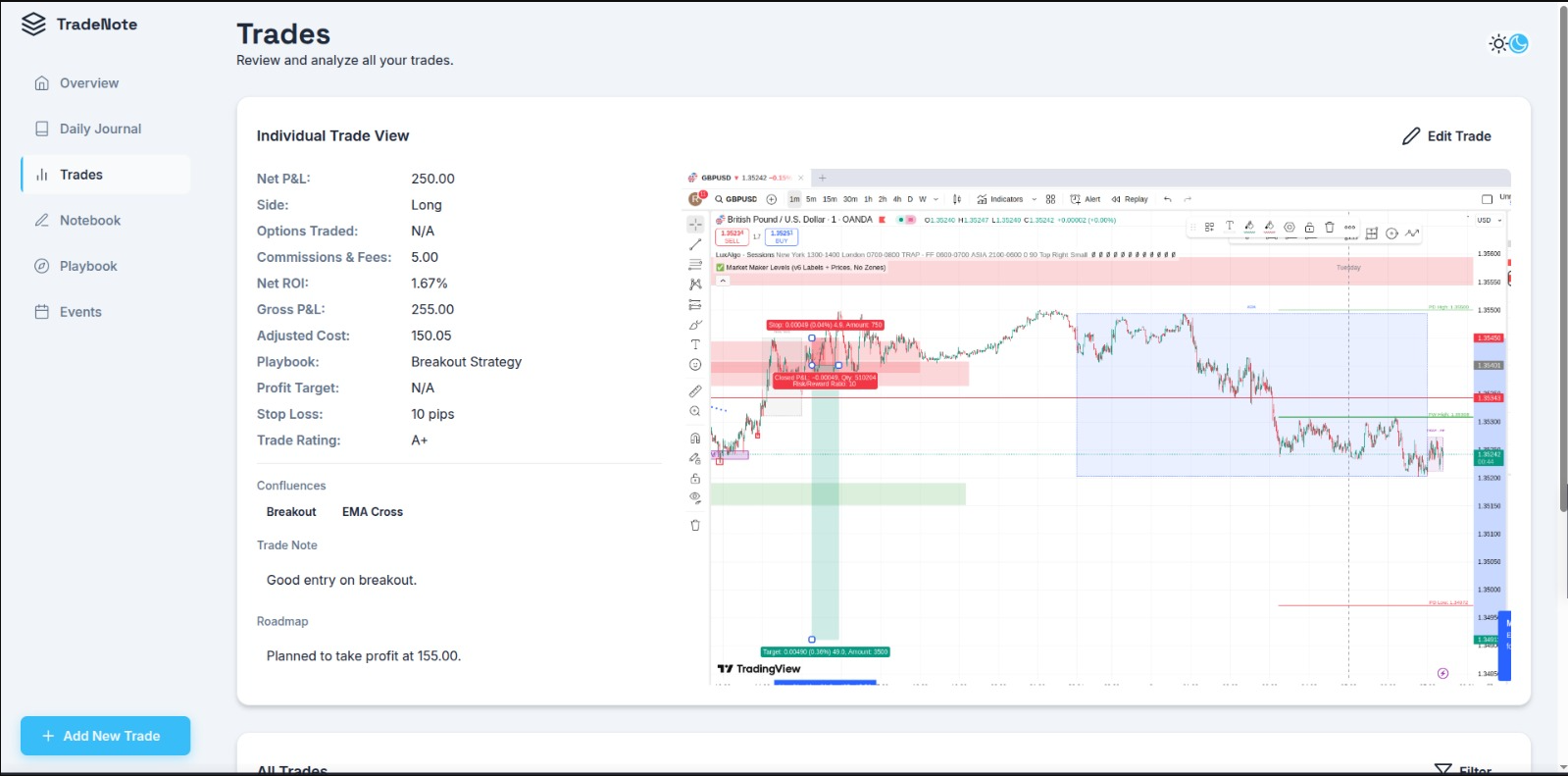
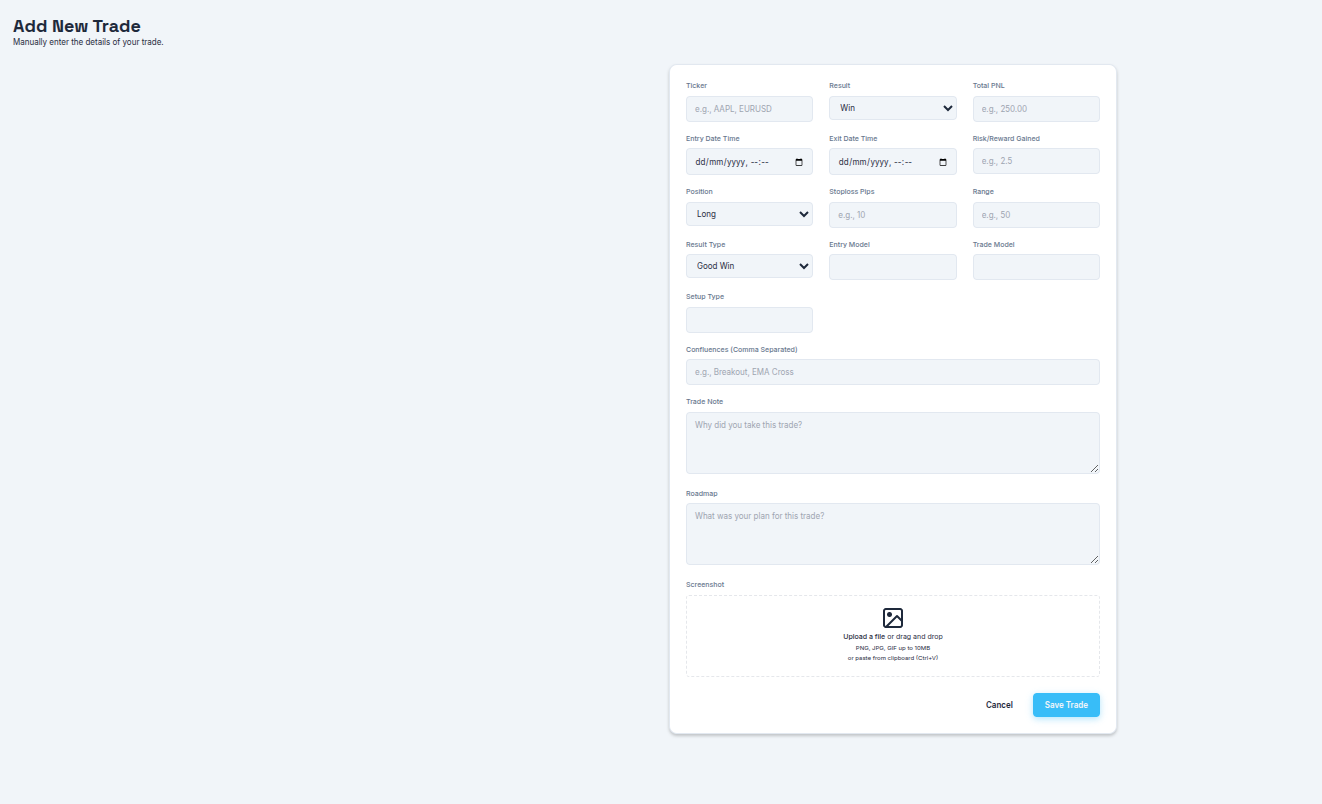
| Dashboard | Trades | Add Trade |
|---|---|---|
 |
 |
 |
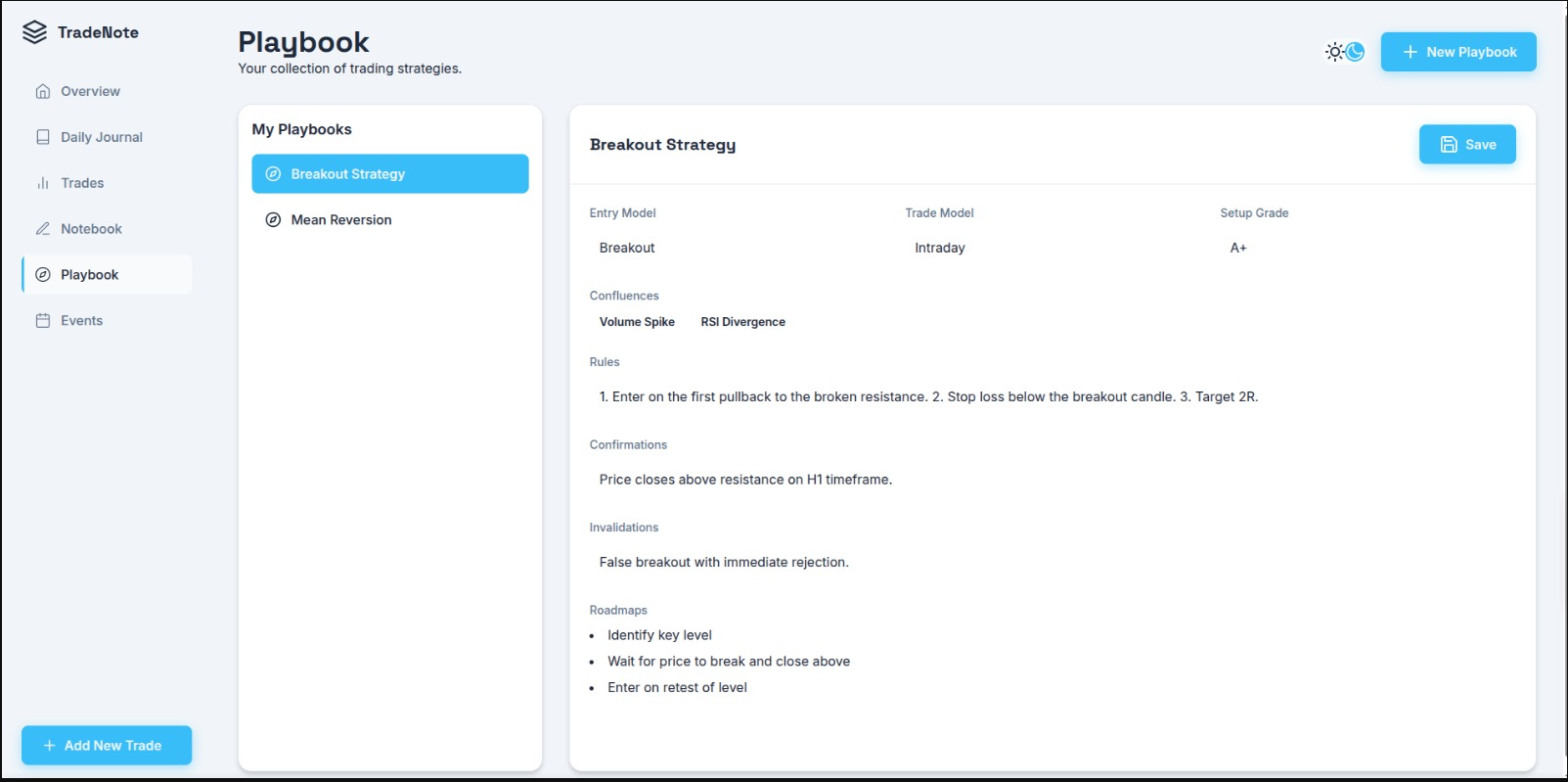
| Playbook | Notebook | Events |
 |
 |
 |
- Trade Logging: Log detailed information about each trade, including ticker, P&L, entry/exit times, risk/reward, position, and more.
- Screenshot Uploads: Attach screenshots to your trades for visual analysis.
- Playbook Creation: Define and manage your trading strategies with detailed rules, confluences, and roadmaps.
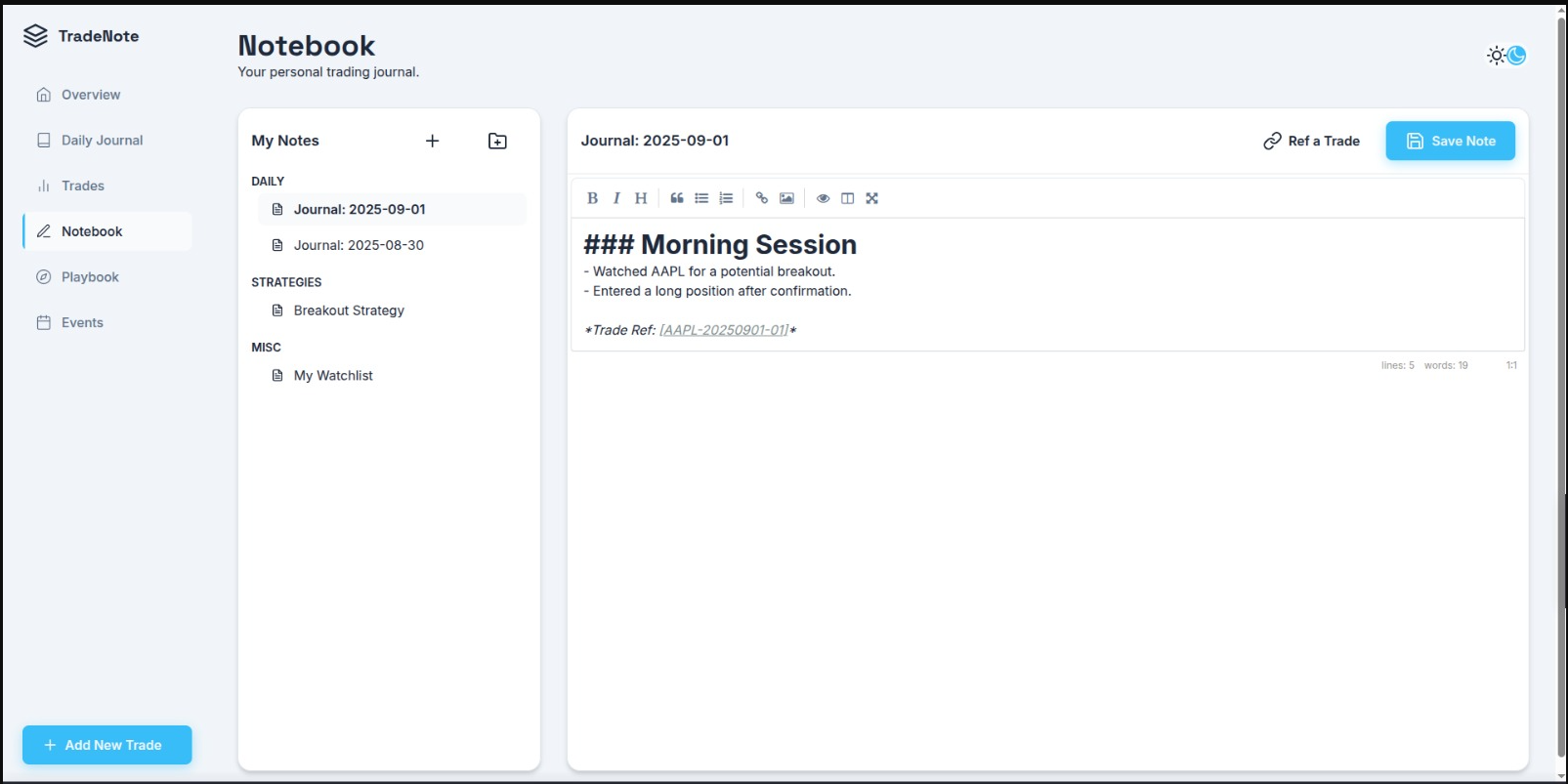
- Note Taking: A simple notebook to jot down ideas, market observations, or anything else.
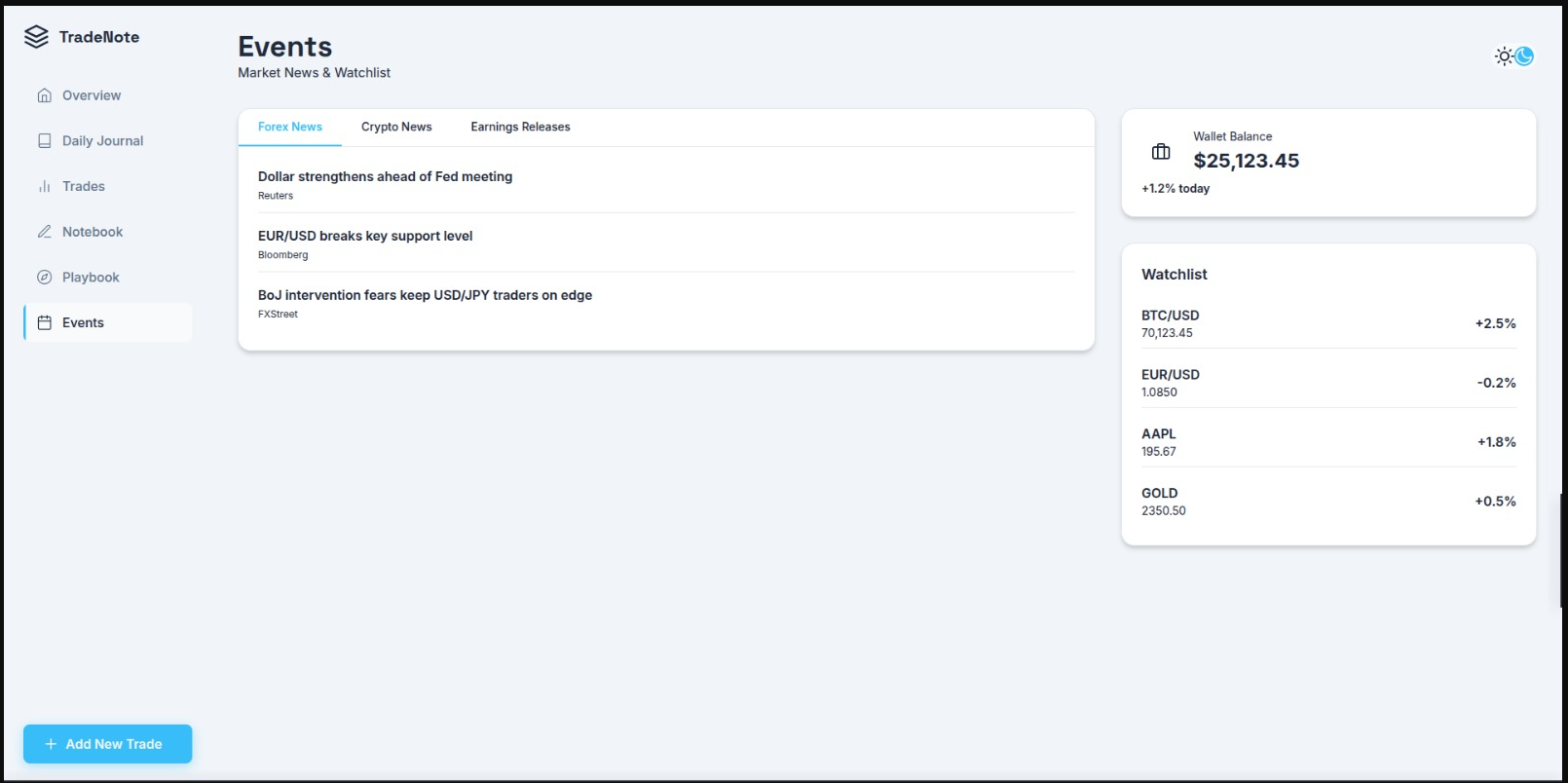
- Economic Calendar: Keep track of important economic events (yet to be implemented).
- User Authentication: Secure your journal with JWT-based authentication.
- Frontend: HTML, CSS, JavaScript
- Backend: Python, Flask, Flask-SQLAlchemy, Flask-Cors, PyJWT
- Python 3
- Clone the repository:
git clone https://github.com/0xRahim/TradeNote.git cd TradeNote - Run the setup script to install dependencies:
./setup.sh
- Run the application:
./tradenote.sh
- Access the application in your browser at
http://localhost:1111/index.html.
The project is divided into two main parts:
frontend/: Contains all the static files for the user interface (HTML, CSS, JS).backend/: Contains the Flask API server, database models, and business logic.
For detailed information about the API endpoints, see the API Documentation.
Contributions are welcome! Please feel free to submit a pull request.
- Fork the Project
- Create your Feature Branch (
git checkout -b feature/AmazingFeature) - Commit your Changes (
git commit -m '''Add some AmazingFeature''') - Push to the Branch (
git push origin feature/AmazingFeature) - Open a Pull Request
This project is licensed under the MIT License. See the LICENSE file for details.