A work around to get the camera working in fluidd.
Firmware updates may remove the changes so you may have to run the commands again after a firmware update.
With any luck creality just implements this so we dont have to perform this modification.
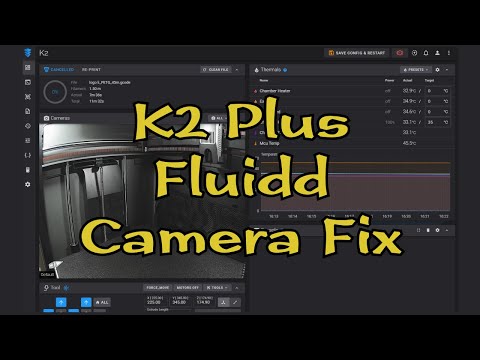
https://www.youtube.com/watch?v=XHLAtVG9Bcg
python -c "from six.moves import urllib; urllib.request.urlretrieve('https://github.com/DnG-Crafts/K2-Camera/archive/refs/heads/main.zip', '/root/main.zip')"
python -c "import shutil; shutil.unpack_archive('/root/main.zip', '/root/')"
sh ~/K2-Camera-main/install.sh
if you wish to restore the printer to its original configuration then run the commands below
sh ~/K2-Camera-main/restore.sh

