



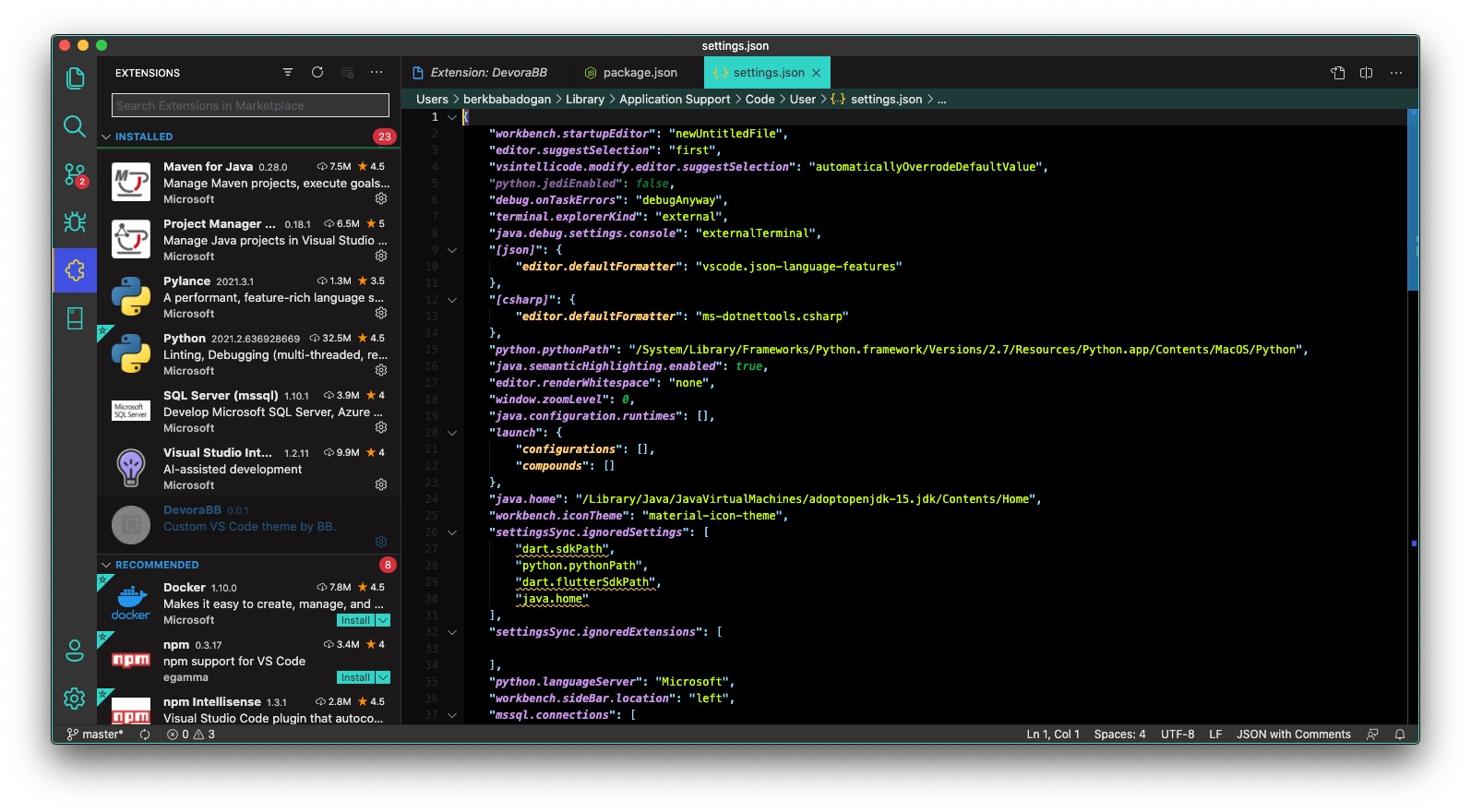


Color Themes FAQ for Visual Studio Code
- Install the theme from the Marketplace.
- Open the command palette (
Ctrl/Cmd + Shift + P) and search forPreferences: Color Themeor use (Ctrl/Cmd + K + T) keyboard shortcut. - Select
DevoraBB.
| Name | Name | Last commit date | ||
|---|---|---|---|---|
Color Themes FAQ for Visual Studio Code
Ctrl/Cmd + Shift + P) and search for Preferences: Color Theme or use (Ctrl/Cmd + K + T) keyboard shortcut.DevoraBB.